
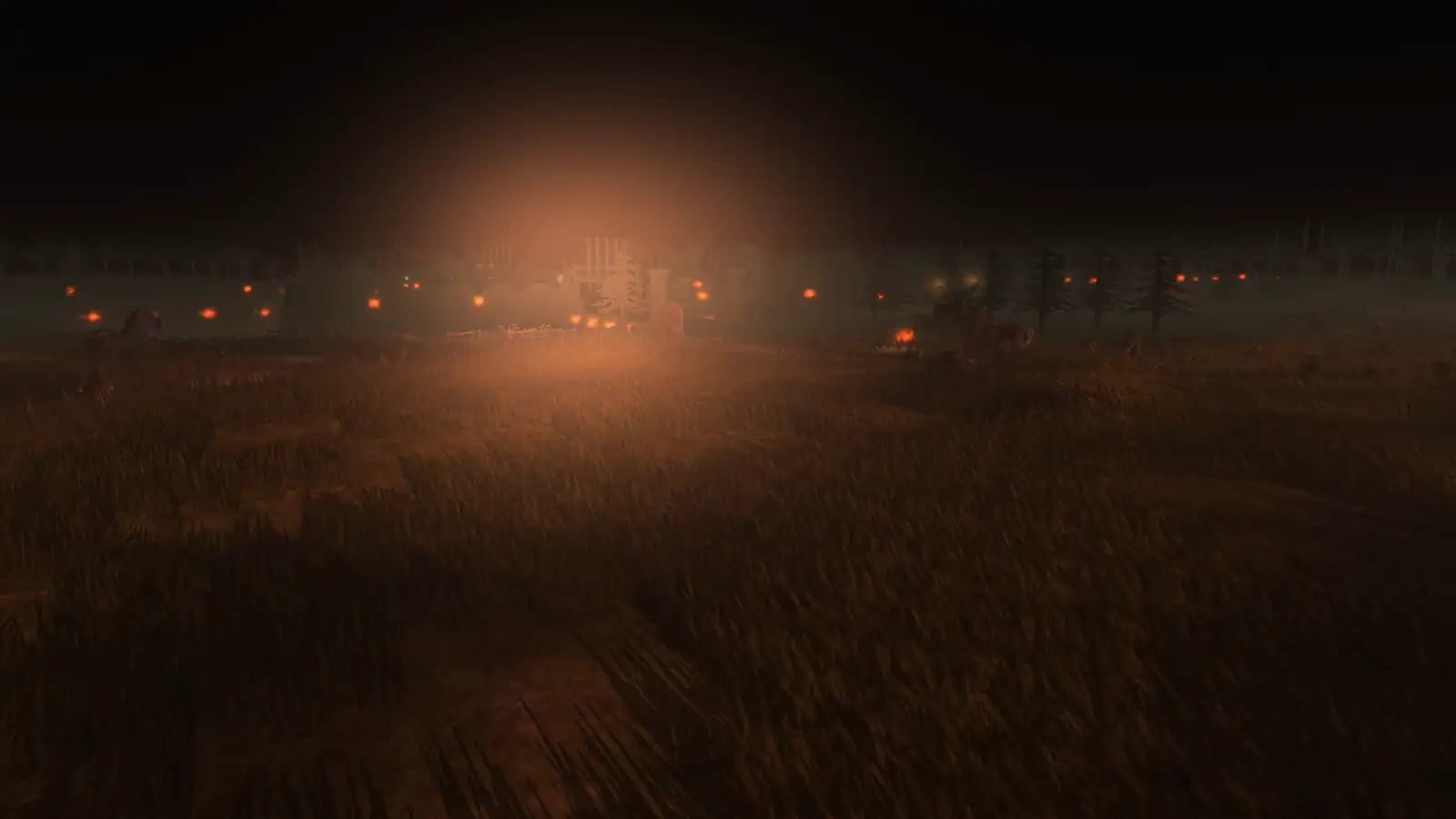
Chapter 1 Live
It begins where you left it.
Lorencia, the bar music, the roads you walked, exactly as they were.
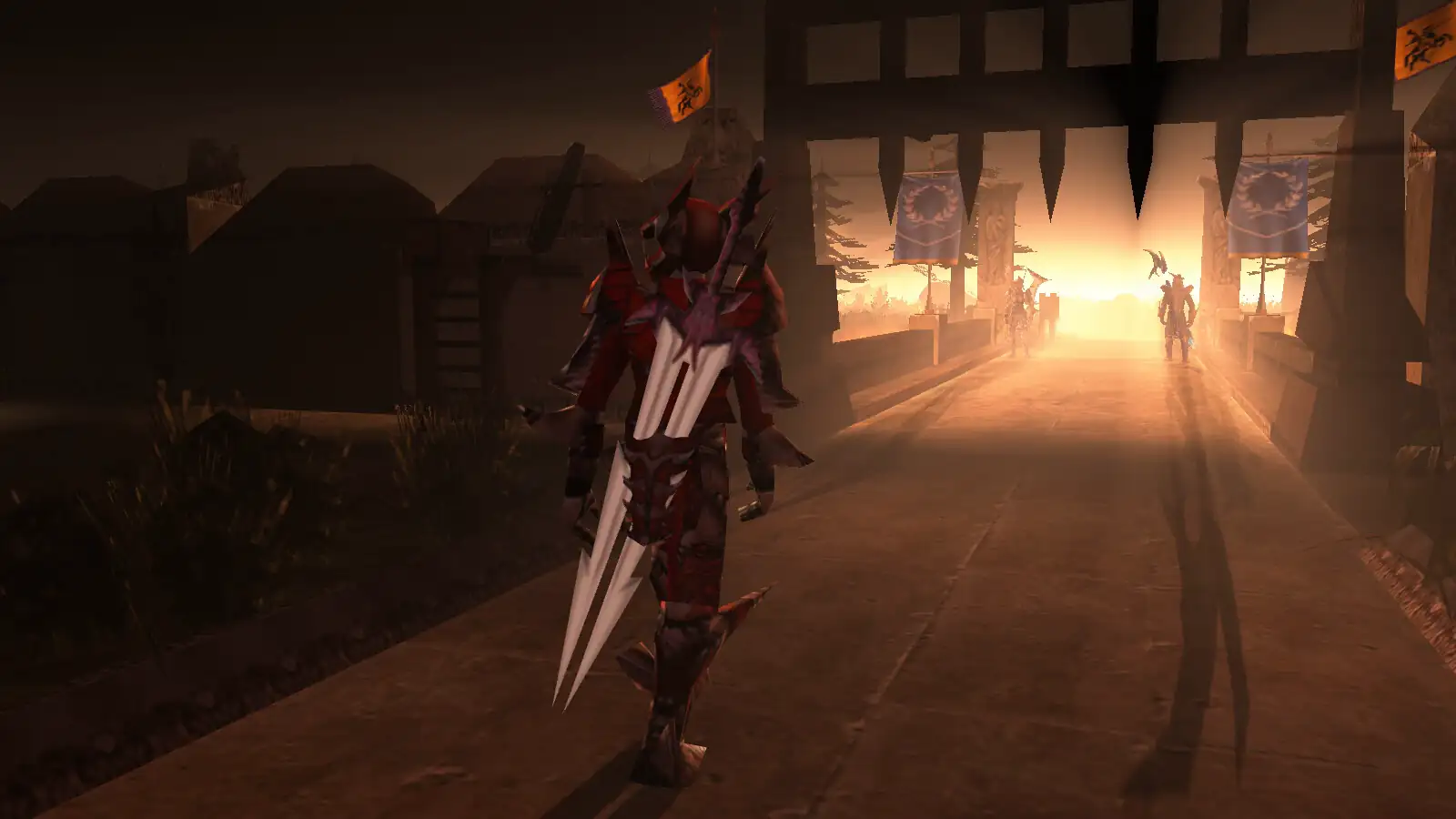
Classic MU
EXP rate 3× · Maximum level 400 · Maximum master level 200 · Resets off · Server in numbers
Plays in desktop Chrome or Edge with WebGPU.
To play, open this site in Chrome or Edge on a computer.
On PC and in your browser. Mobile is coming.
The Continent never died. It slept, while the servers went dark one by one and the people who loved it grew up.
Then someone lit a fire in Lorencia again, not to rebuild the old world brick for brick but to let it grow.
This realm is that fire. It keeps the bones of the MU you remember, and it changes, season by season, with the people who walk it.
Chapter 1 Live
Lorencia, the bar music, the roads you walked, exactly as they were.
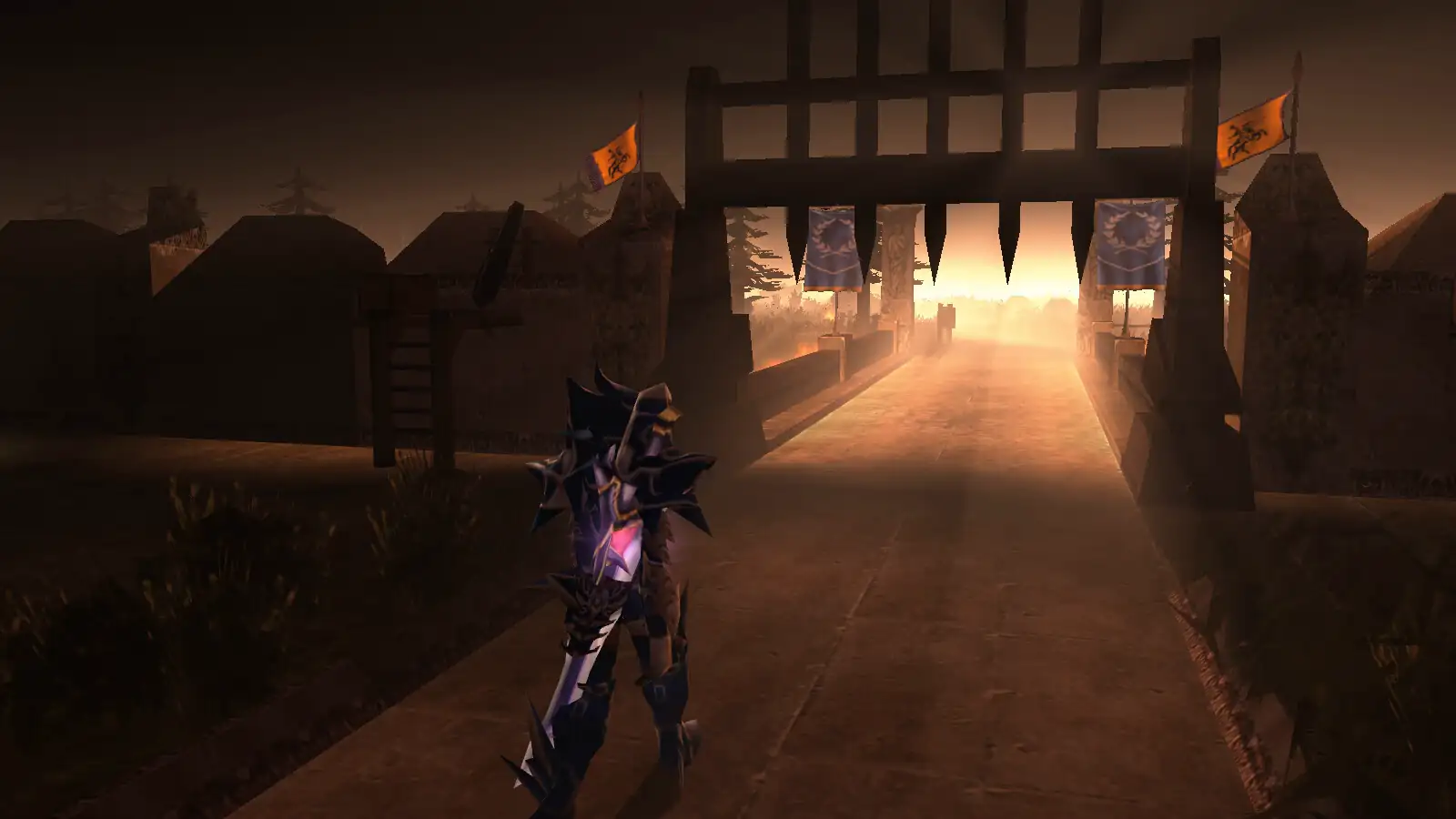
Chapter 2 Live
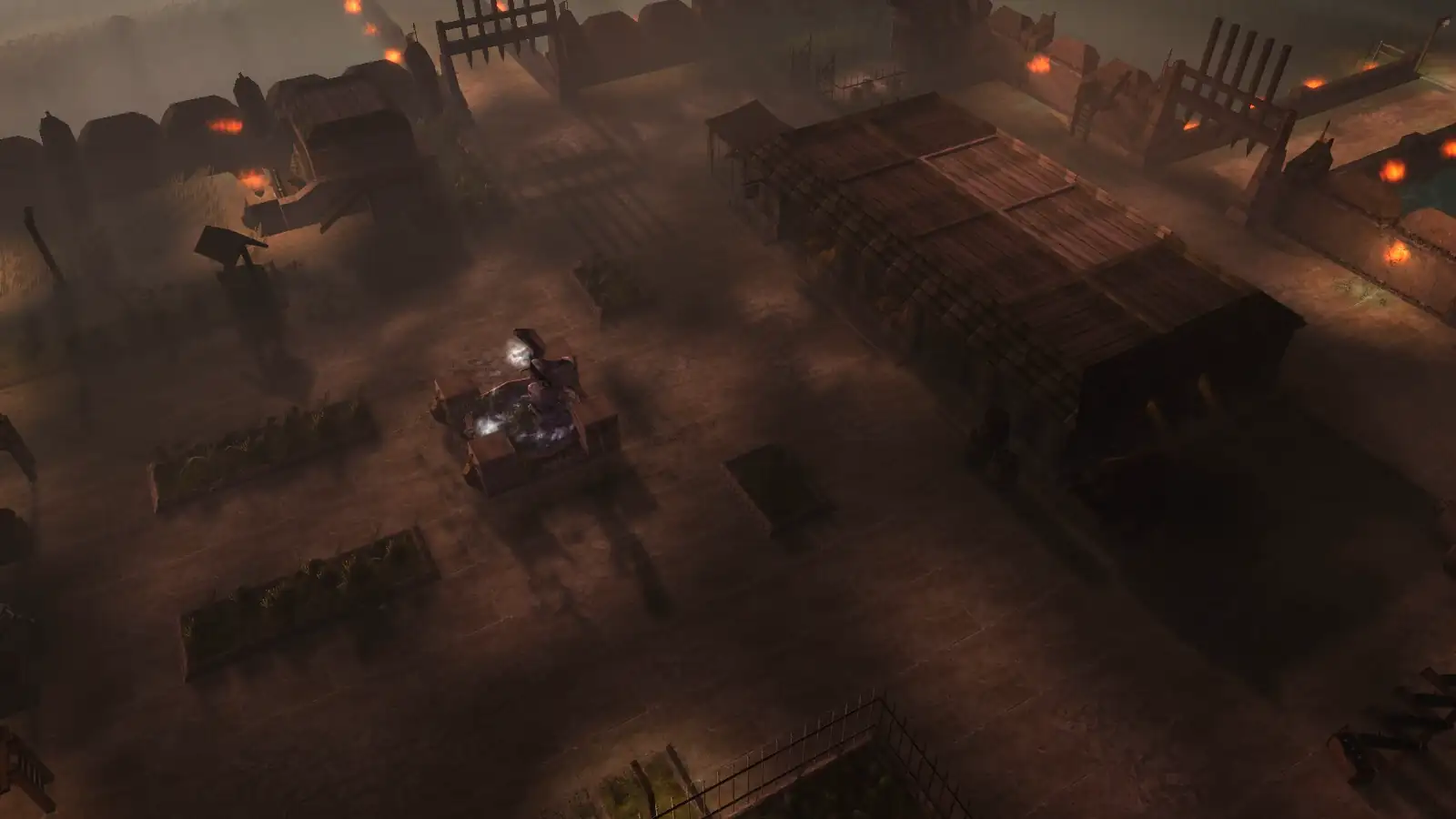
The same world with time of day, real light and shadows, and motion as smooth as your screen allows. Classic stays one click away.
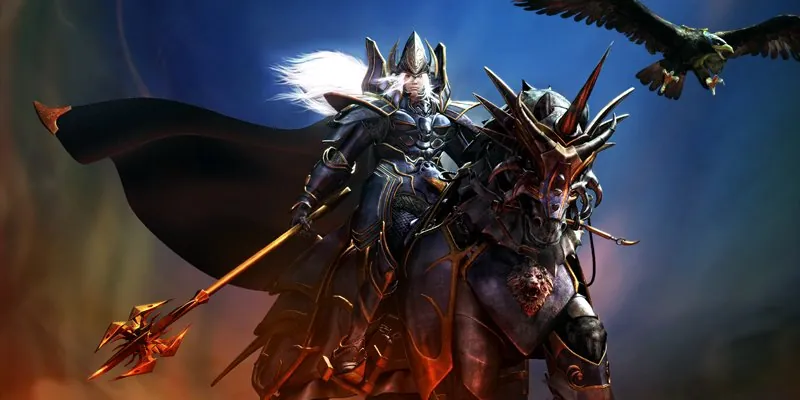
Chapter 3 In the forge
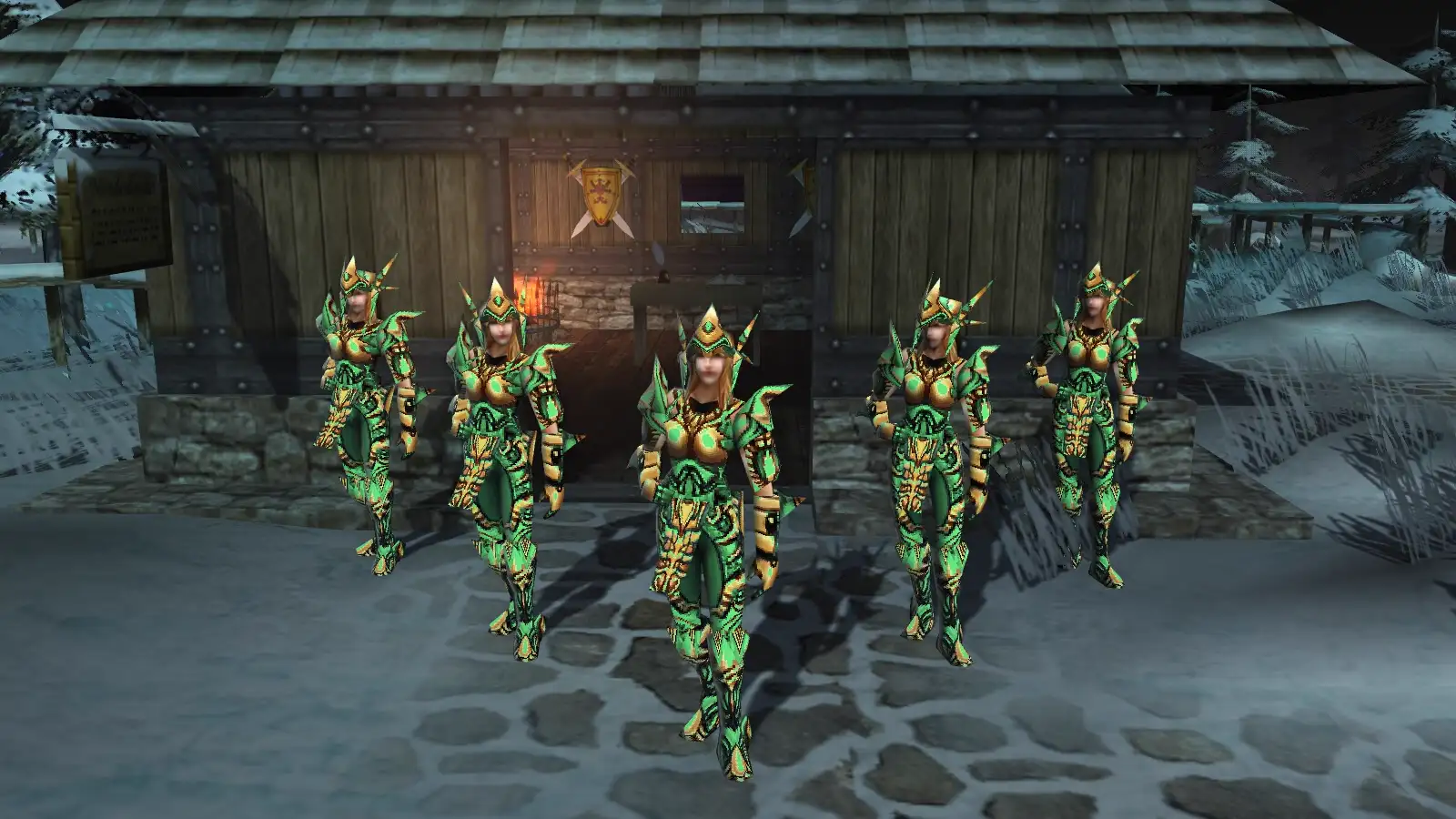
Heroes and gear from later ages arrive, the Grow Lancer first, brought in carefully so they don't break the old balance.
Chapter 4 On the horizon
Your look, your colours: dye and style your gear without giving up its stats.
Chapter 5 On the horizon
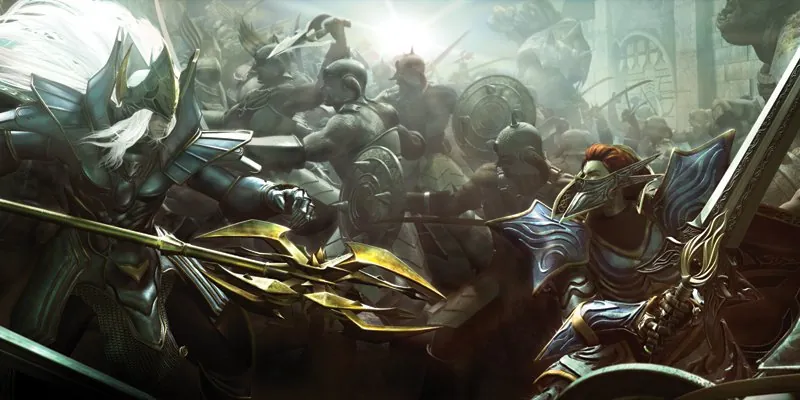
Custom events beyond Blood Castle and Devil Square, such as team arenas with lanes, objectives and a crowd watching.
Chapter 6 Live
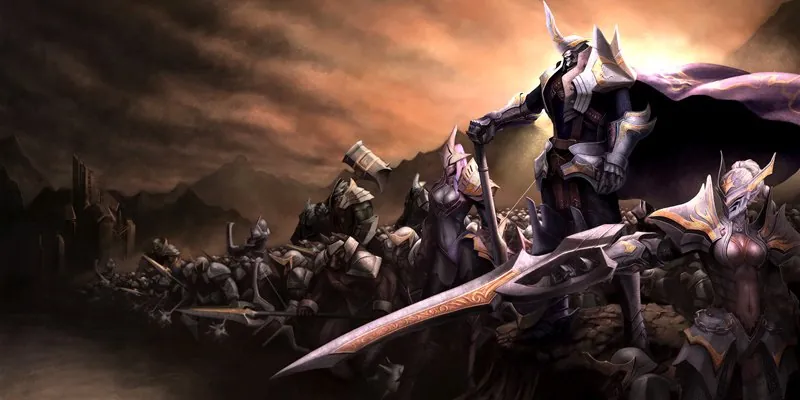
Changes are proposed in the open, decided with the players, and shipped fast. Every patch is public and becomes news the moment it lands.
Chapter 7 In the forge
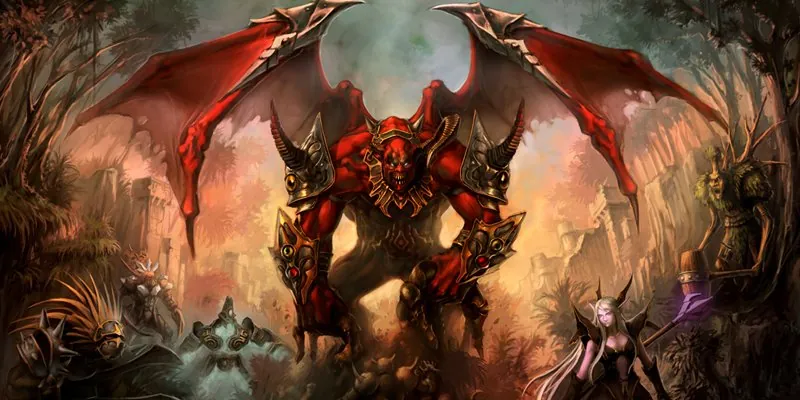
Boss kills, firsts, sieges: the realm reports what you do as it happens.
Chapter 8 Live
One account and one world, on Windows, in the browser, and soon on your phone.
Chapter 1 of 8

Running now
No guilds yet. Found the first.
28 adventurers have made 84 heroes and founded 0 guilds.
 Updates
New on the website: guide, guilds and your account
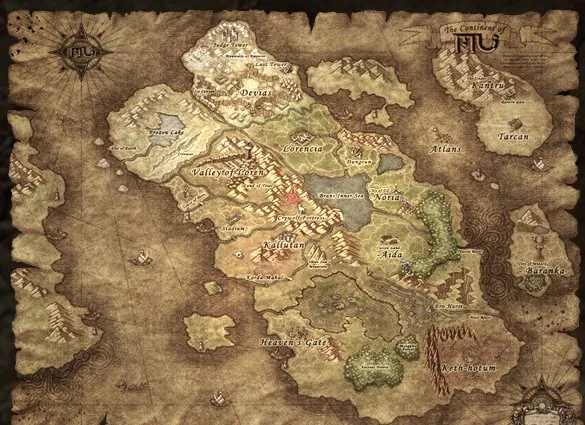
A game guide with classes and the world map, guild pages, live event countdowns and an account page with your characters.
 Notices
Play in the browser
The full game runs in a modern desktop browser. No download, no install.
 Updates
The website is open
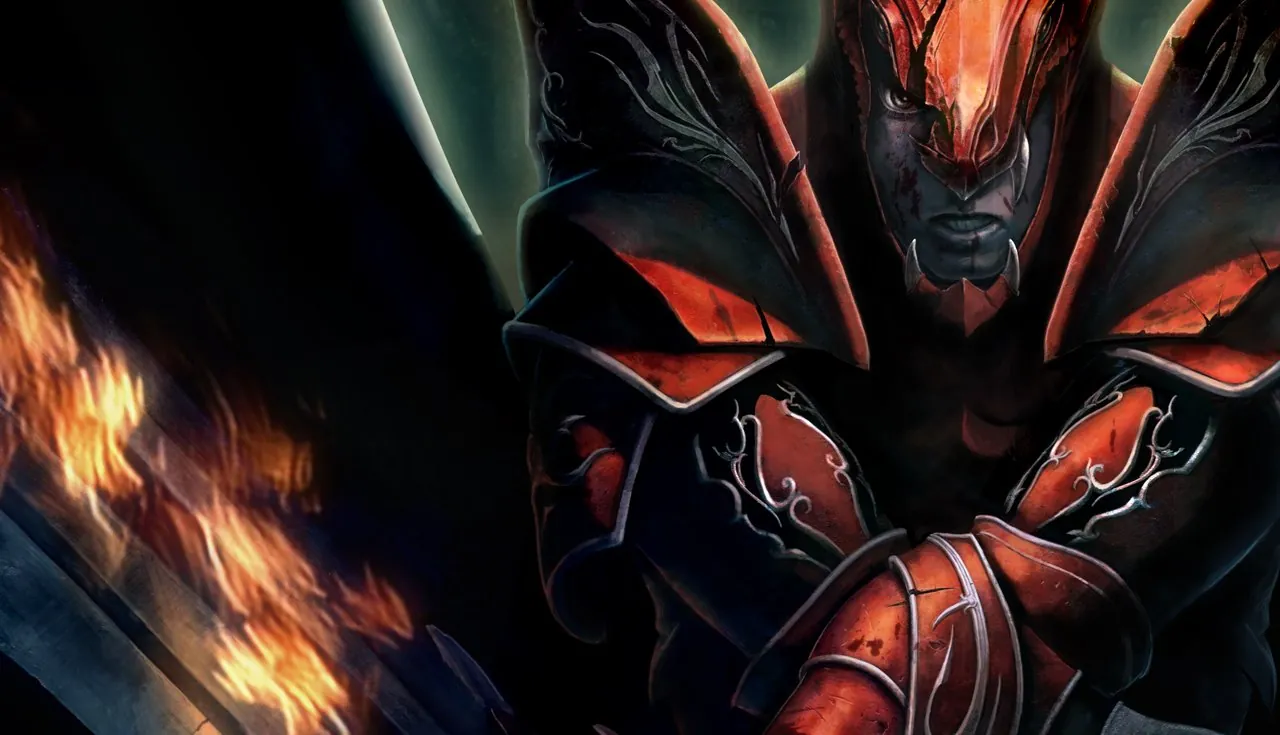
Register an account, check the rankings and event times, and look up any hero's equipment in the armory.
The story isn't finished.
Create a free account, pick a class and step into Lorencia. The same account works in the browser and the Windows client.
Plays in desktop Chrome or Edge with WebGPU.
To play, open this site in Chrome or Edge on a computer.
No. The game runs in a current desktop Chrome or Edge on a computer with a graphics card from the last few years. There is also a Windows client on the Downloads page.
Yes. It is the same account and the same characters.
The browser version needs its own page to use your graphics card and threads safely, so it cannot be embedded in the website.
Server time, with your own time beside each one. Point at the status in the header for the server's clock; the events page counts down in your browser.
Check the status at the top of this page: when the server is offline it is usually restarting, so try again in a few minutes. If it is online, check that you typed your login name with the right capitals, and allow the Windows client through your firewall.
